
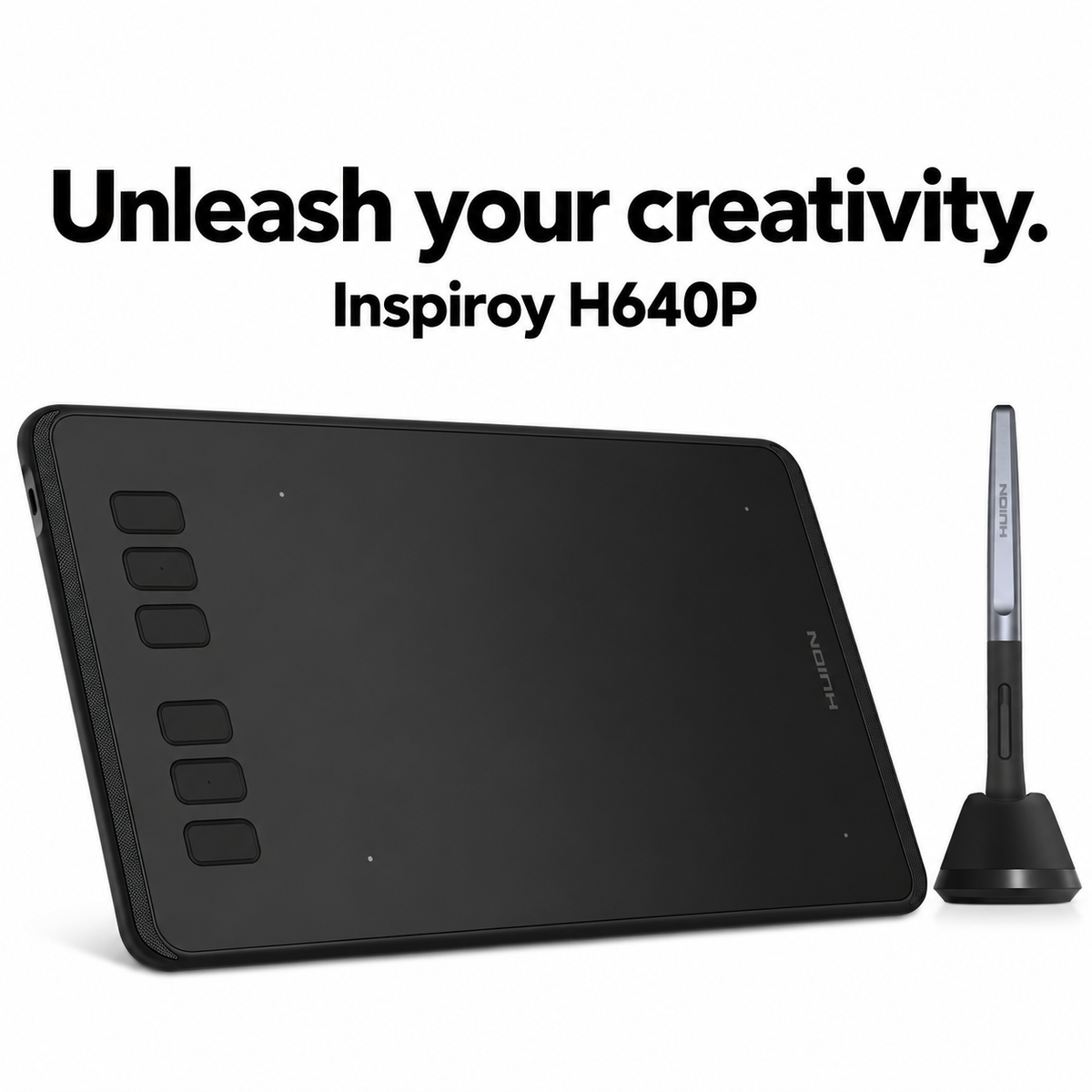

HUION Inspiroy H640P Drawing Tablet
Turn your ideas into digital creations with the HUION Inspiroy H640P. Compact and lightweight, this pen tablet combines natural pen control, customizable shortcuts, and a comfortable drawing surface for illustration, photo editing, handwritten notes, and online learning.
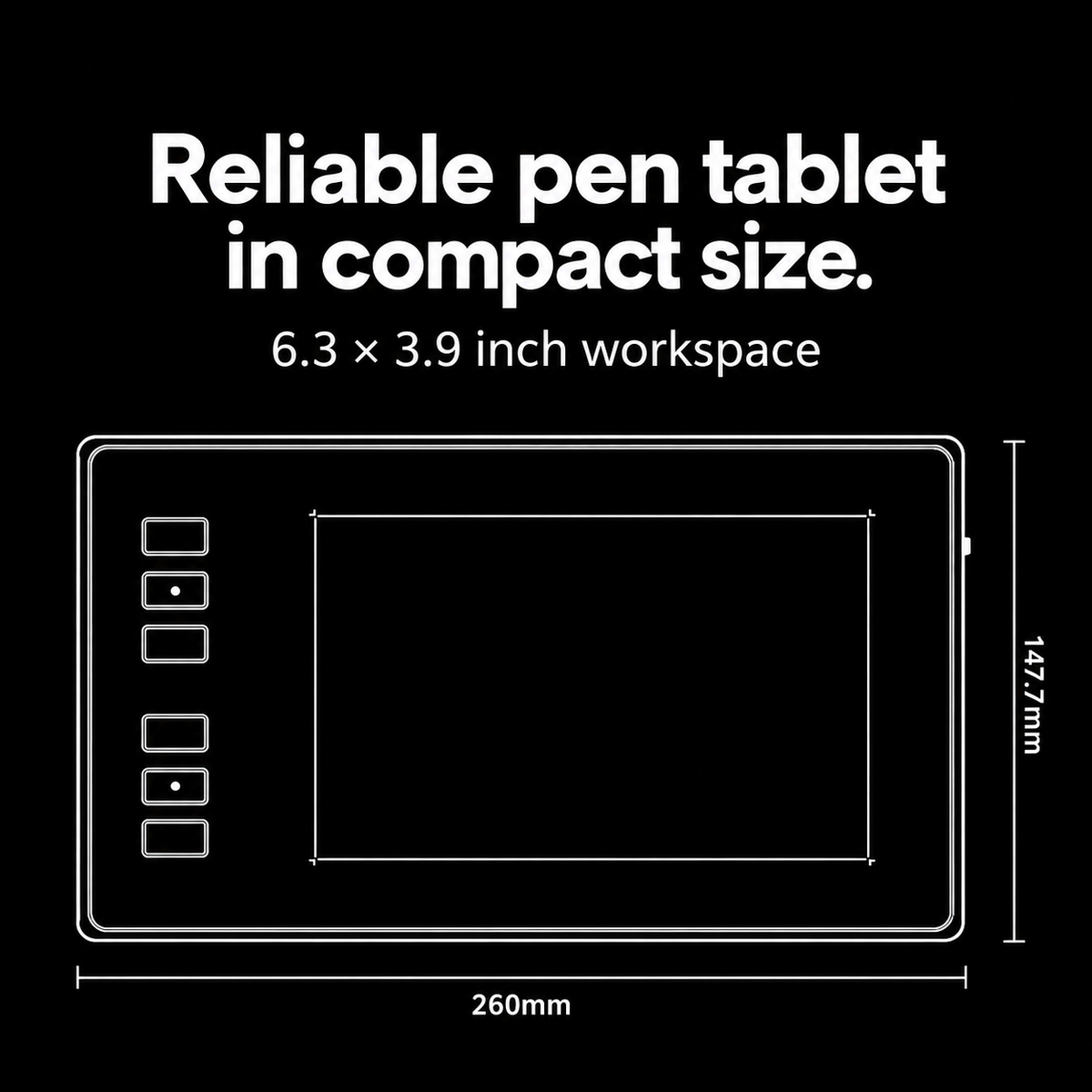
COMPACT WORKING AREA
The 6.3 × 3.9-inch working area provides space for sketching and everyday creative tasks while fitting comfortably on smaller desks.
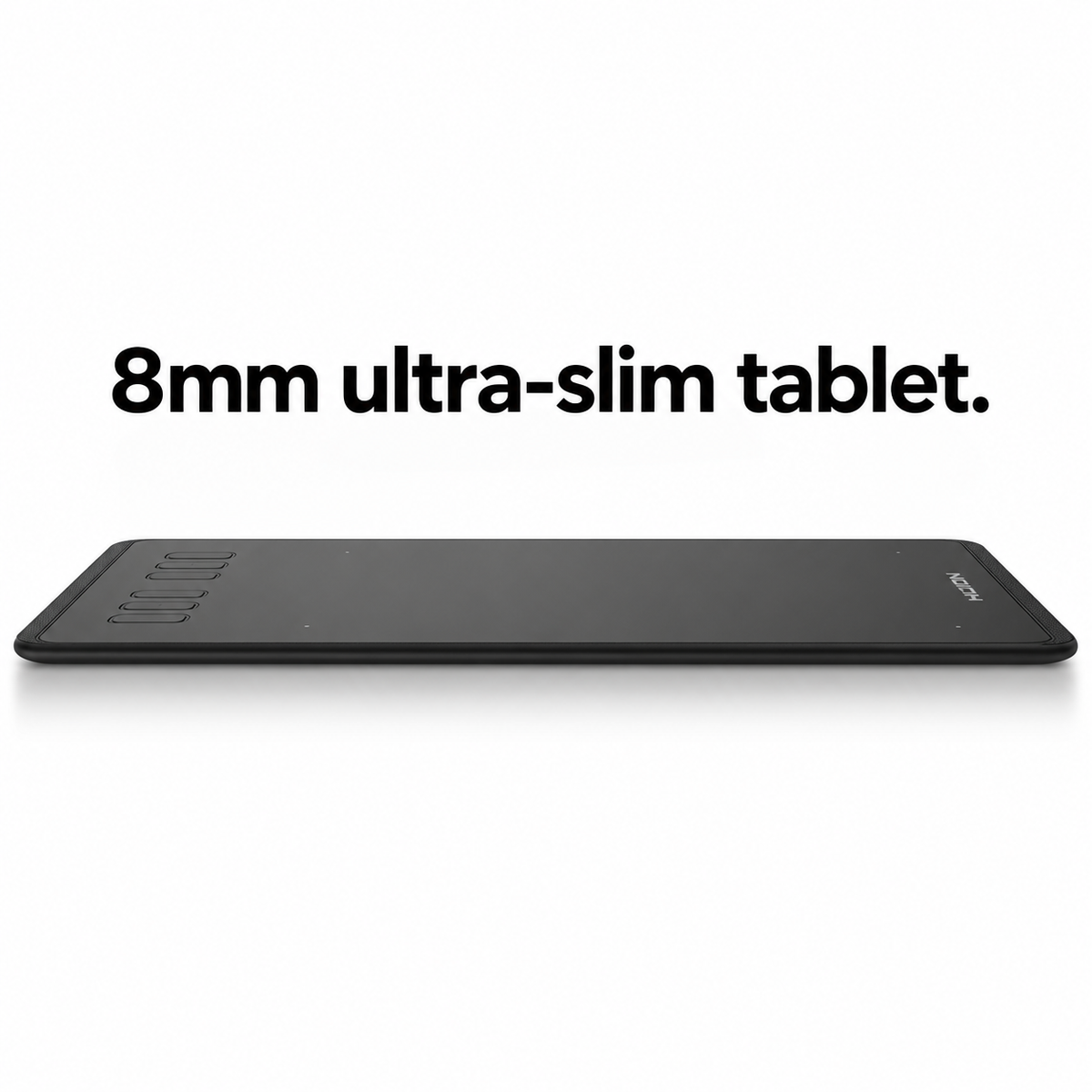
SLIM AND PORTABLE
At just 8 mm thick and approximately 277 g, the H640P is easy to carry between home, school, and your workspace.
BATTERY-FREE PW100 PEN
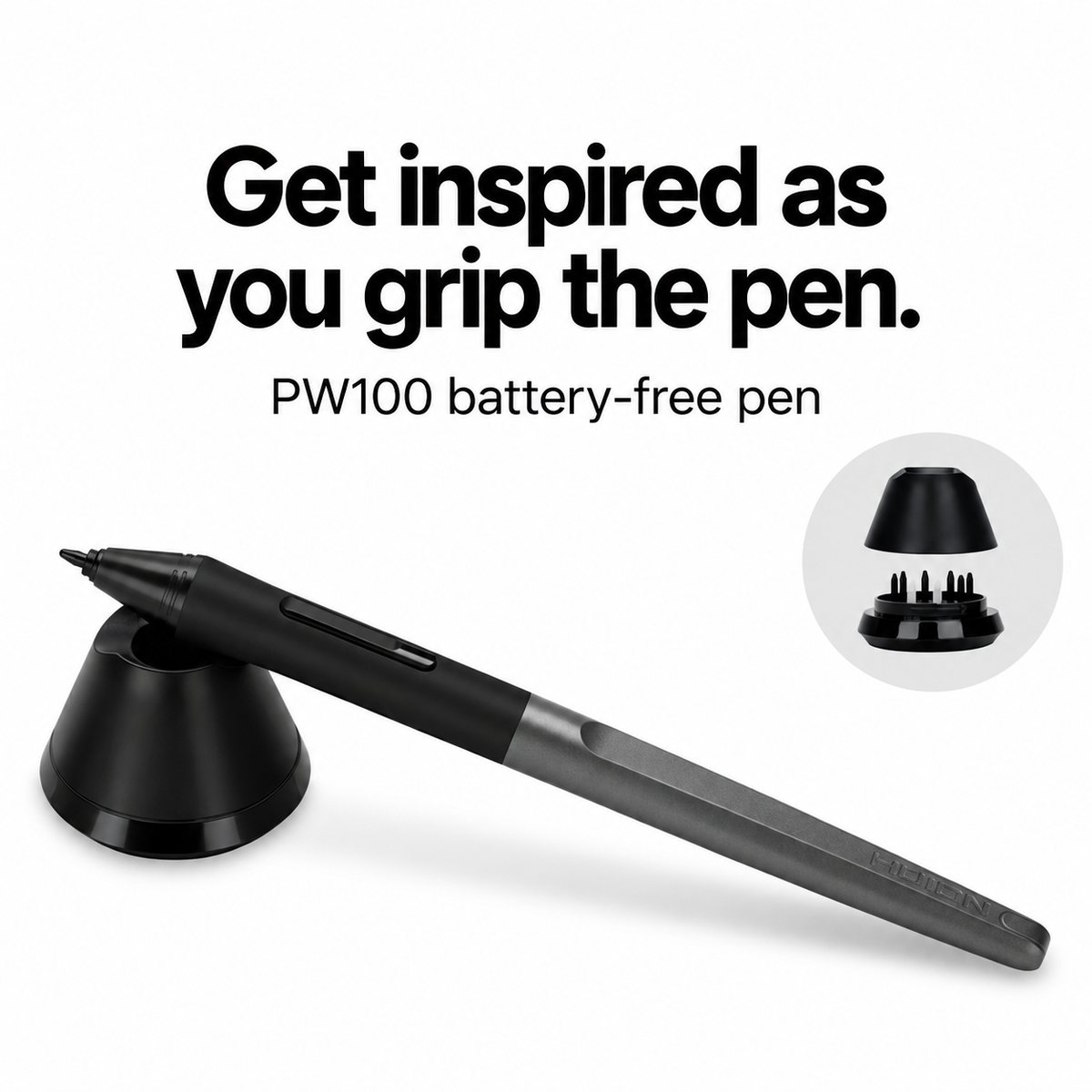
Create without charging your pen or replacing batteries. The PW100 features a comfortable silicone grip and side buttons for convenient access to pen functions.
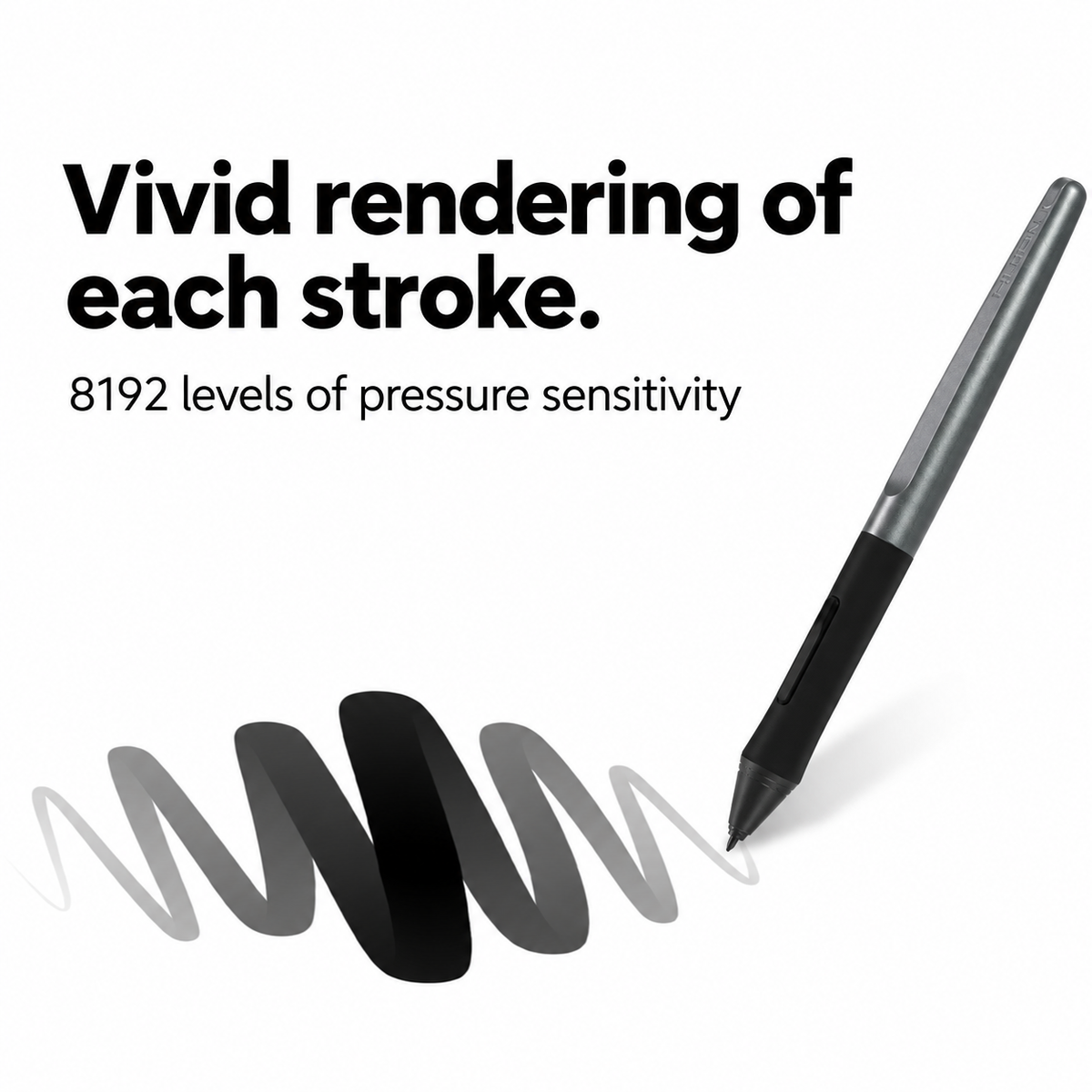
8192 PRESSURE LEVELS
Control line thickness and intensity through changes in pen pressure. From delicate details to bold strokes, the H640P supports expressive drawing in compatible software.
SMOOTH, PRECISE TRACKING
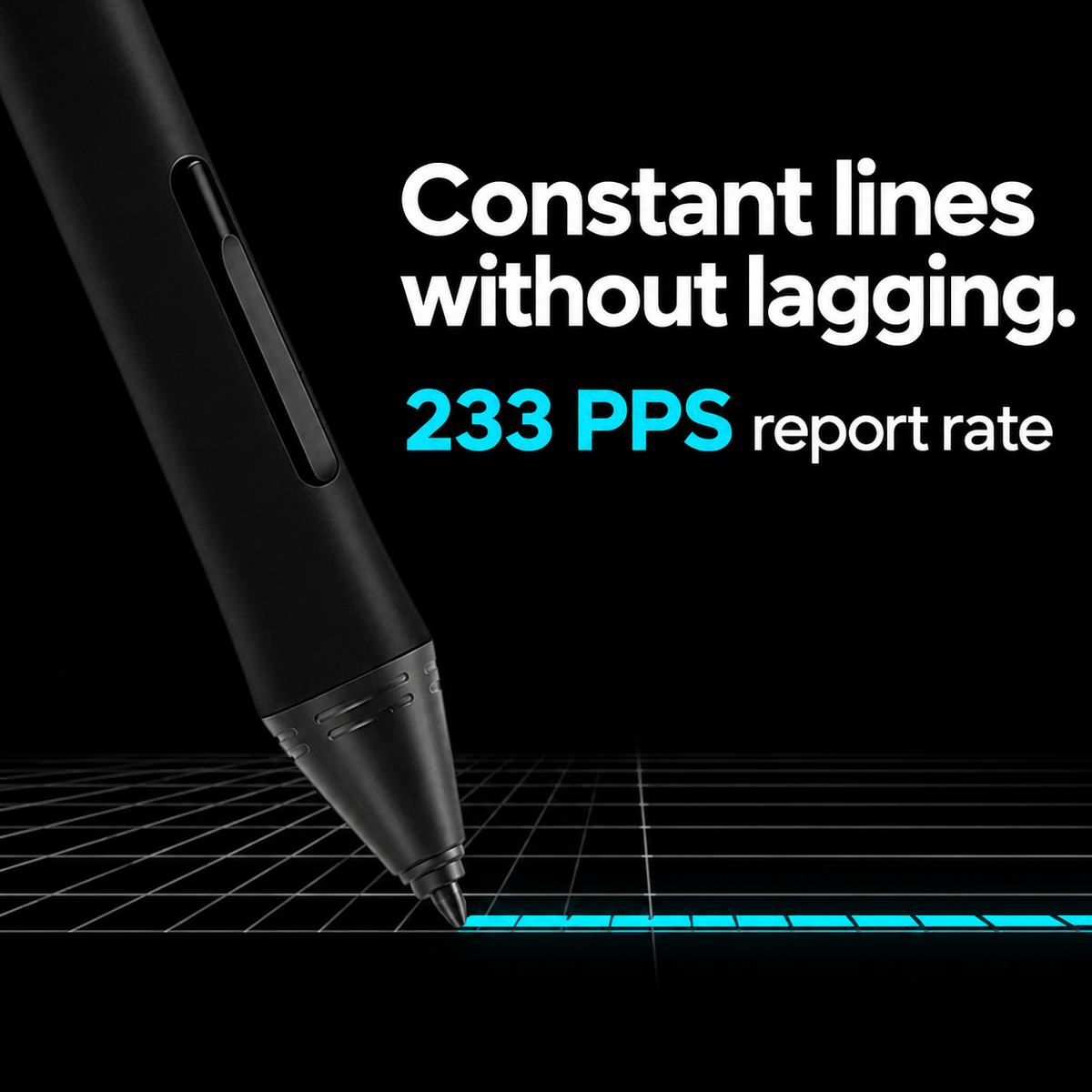
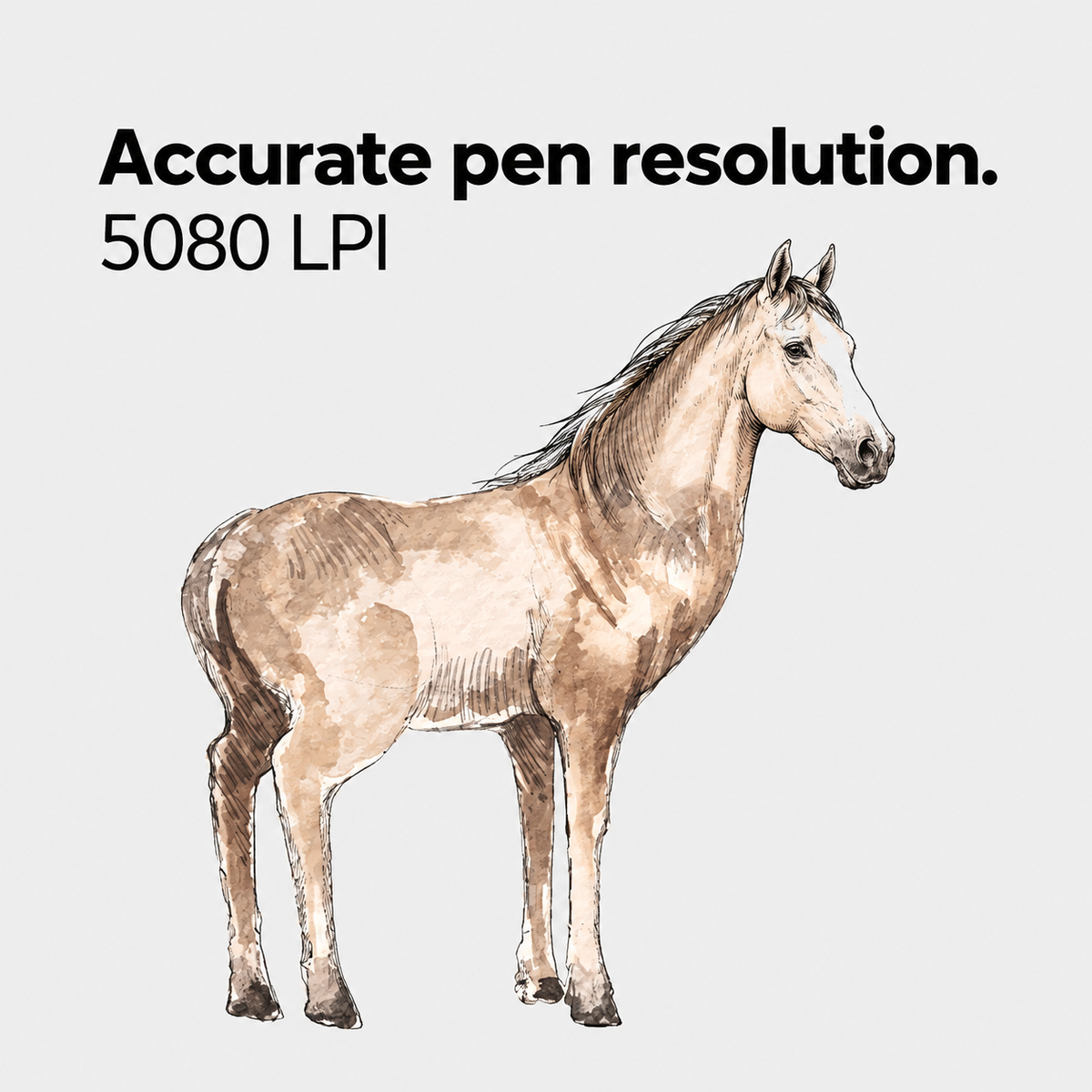
A 233 PPS report rate and 5,080 LPI pen resolution support responsive pen movements and detailed linework.
6 PROGRAMMABLE PRESS KEYS
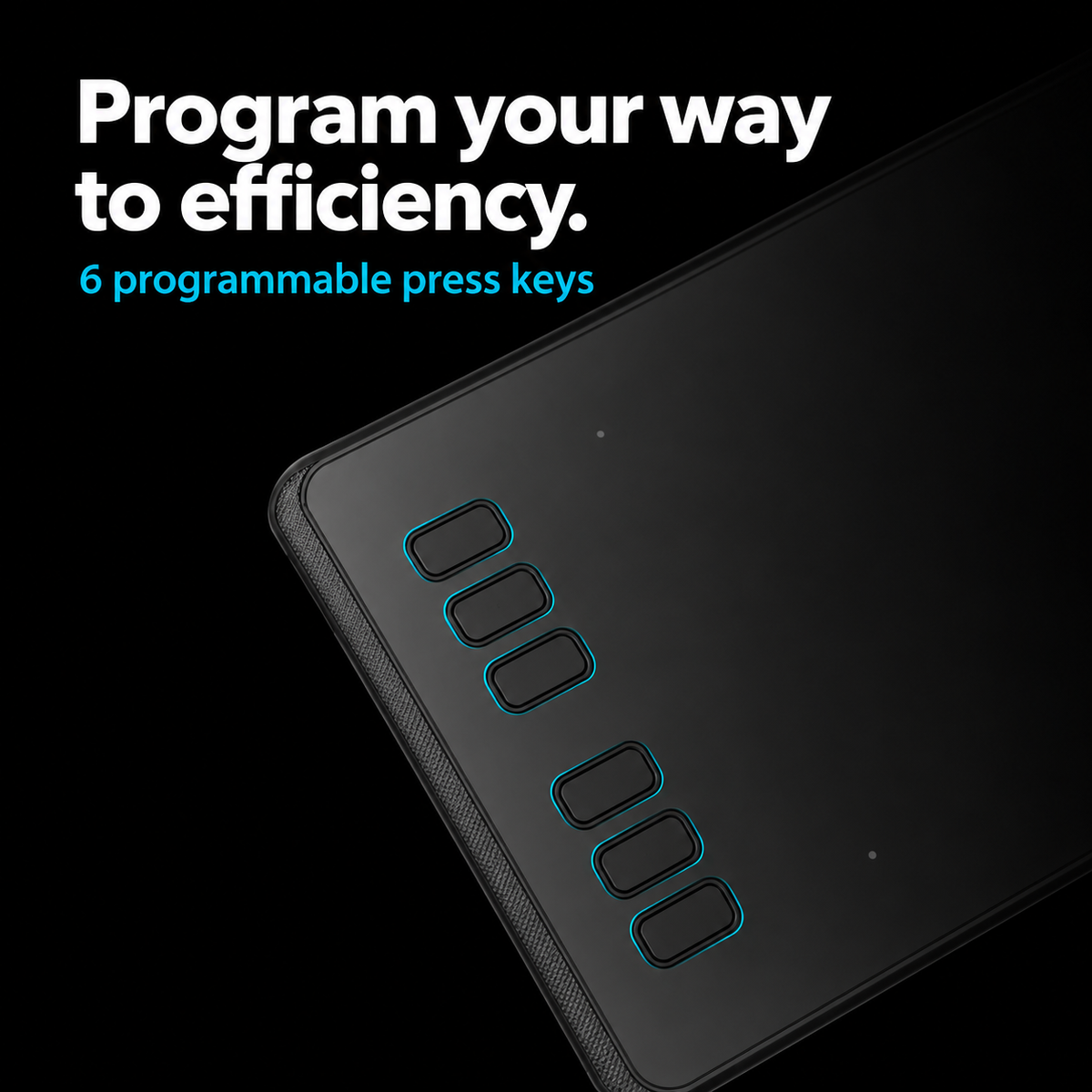
Customize six shortcut keys for frequently used functions such as undo, zoom, brush adjustments, and tool switching. A switch on the tablet’s side lets you disable the shortcut keys when needed.
CONVENIENT PEN HOLDER
The PH03 pen holder keeps your pen within reach and includes a nib extractor for convenient nib replacement.
DEVICE COMPATIBILITY
Supports Windows, macOS, Android, and Linux. Use compatible software for digital painting, document annotation, handwritten notes, and online lessons.
SPECIFICATIONS
• Model: Inspiroy H640P
• Color: Black
• Working area: 160 × 100 mm
• Dimensions: 260 × 147.7 × 8 mm
• Weight: 277 g
• Pen: Battery-free PW100
• Pressure sensitivity: 8,192 levels
• Pen resolution: 5,080 LPI
• Report rate: 233 PPS
• Sensing height: 10 mm
• Accuracy: ±0.3 mm
• Programmable press keys: 6
• Connection: Micro USB
Note: The H640P is a pen tablet without a built-in display. Your work appears on the connected device’s screen. Features depend on your operating system, driver, and software. Android connections require a compatible OTG adapter.
Choose options